

In the last blog post, AI Literacy: Communicating with the Machines, we explored why the way you engage with AI matters. The effectiveness of AI tools is directly tied how you prompt them; ie. how you communicate with them. Precision, clarity, and context are some of the guidelines for effective prompting, and we’ll introduce you to more.
But this time, we’re going beyond theory. This post is an exercise, a practical workflow that you can use to research and summarize new tax information efficiently. As we go, we’ll highlight the key components of an effective prompt and where they fit into the process.
Here’s what’s ahead:
- How to find relevant tax documents using AI search tools.
- How to refine and extract meaningful insights from those documents.
- How to format the information for different audiences.
Throughout, we’ll integrate specific elements of strong prompting—things like clarity, context, and formatting instructions—so that you can see these principles in action. If you are first starting out with the tools, the exercise will feel like it’s demanding more of your time and effort. Trust me, it gets much easier and faster with practice. Recall the feeling when you transitioned from staff-level preparer to reviewer: “it’ll be faster if I just do it myself”. Resist the urge! You are once again transitioning to reviewer, this time of AI content that you directed.
Let’s get started.
Identifying the Workflow
We rarely think about the discrete sub-tasks in our work processes because these “knowledge workflows” have a level of intuition that allows us to dive headlong into the task with minimal planning. However, our processes must evolve to leverage AI where appropriate, and to do that requires understanding the process at a more granular level. Let’s run through a practical example.
Example: Federal budget tax update
In short, the diagram below is an example abstraction of what all in-house tax professionals do to stay updated after a new federal budget drops:

- Begin with a general understanding of what to look for and what matters to your organization.
- Turn to Google as the primary research tool.
- Find publications from reputable Accounting or Law firms outlining tax changes proposed in the budget.
- Read them all, take notes of relevant information, try to forget the irrelevant.
- Consider all the potential impacts on your stakeholders. For example:
- Company
- Employees
- Shareholders
- Self-review, do the conclusions make sense?
- Final review – has only relevant information been included, is your analysis missing anything, is it tailored for the audience level?
- Communicate to relevant stakeholders (slide(s) for the board, write-up in your other documentation).
AI Augmented Workflow
Let’s integrate AI tools and actions (represented in blue) into this workflow. Notice the yellow “checkpoints” have increased; you must be the “human in the loop“.

I encourage you to follow along and perform these steps. Every rep you perform strengthens your skill, capability and comfort in using these tools.
Step 1: Defining Scope and Objectives
Instead of diving right in, first clearly define what you’re looking for and why it matters. Without a well-defined scope, AI tools will return information that may be too broad, include low quality sources, or is simply irrelevant. Let’s enhance our example with some details:
For this exploratory research, we are identifying proposed corporate tax matters in the latest federal budget that could impact a multinational mining company. The scope is broad at this stage—we are not looking for specific provisions yet, but rather scanning for any relevant changes to corporate taxation, deductions, incentives, and sector-specific measures.
The Objective: Gather a comprehensive overview of relevant changes impacting the relevant stakeholders before narrowing down the key areas that require deeper analysis.
Sources: Limited to expert analyses from reputable firms; however, expanding the search to include government budget documents may be desirable.
Goal: To map potential areas of impact before refining the focus for deeper analysis drawing from 5+ authoritative and relevant sources.
Tools: At least 2 AIs with search capabilities. Perplexity.ai and ChatGPT will assist us in gathering and summarizing relevant information, but all findings will need validation your validation against the sources.
Steps 2-3: Search Query
With the exploratory scope clearly defined, you’ll craft a precise search query. that balances breadth (capturing all relevant updates) with specificity (e.g. focusing on corporates, not individuals).
Old approach: From the google: “2025 Federal budget tax updates”
New approach: An effective AI search query for this scenario:
“Summarize key tax changes introduced in [Jurisdiction]’s latest federal budget that impact multinational companies. Focus on corporate tax measures, resource taxation, incentives, and regulatory changes. Assess the implications for three key stakeholders: the company (rate changes, compliance, ), employees (payroll taxation, benefits, hiring incentives etc.), and shareholders (dividends, capital allocation, tax efficiency). Only use authoritative sources and expert commentary from from reputable tax advisory firms, including Accounting and Law firms. Ensure sources are cited.”
Replace [Jurisdiction] with the relevant country or region: “Canada” in this case. The goal here isn’t exhaustive detail, but an accurate snapshot from which further, targeted analysis can begin.
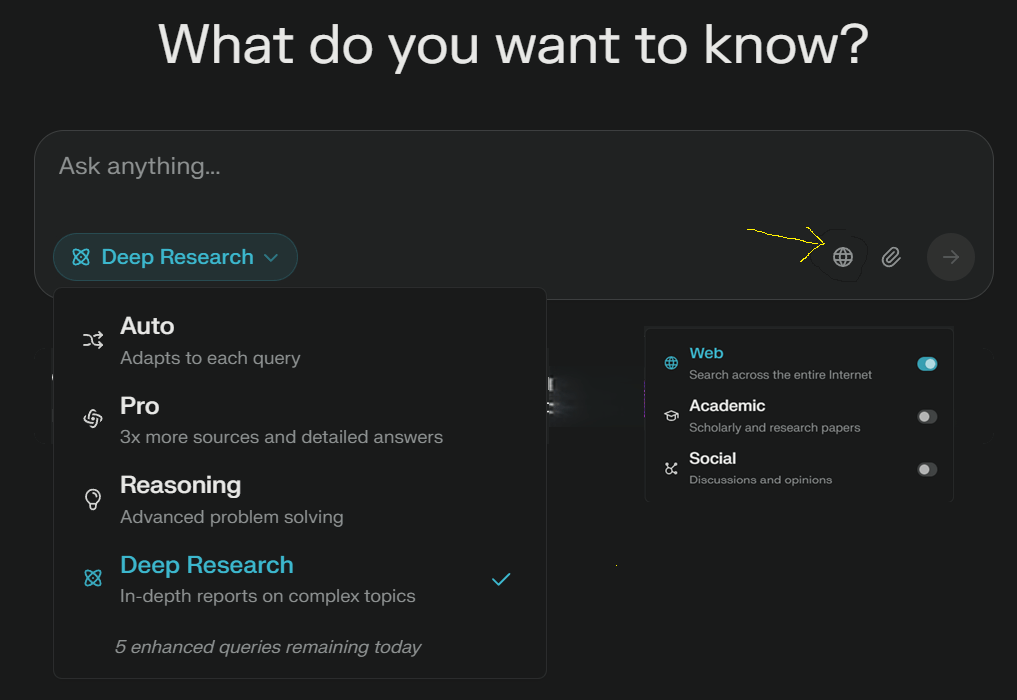
AI Tools: Most tools are “smart” enough to know that a web search is required without being explicitly selected; nevertheless, I still select the “search” option.

Steps 4-7: Validate Relevance and Accuracy (Human in the loop)
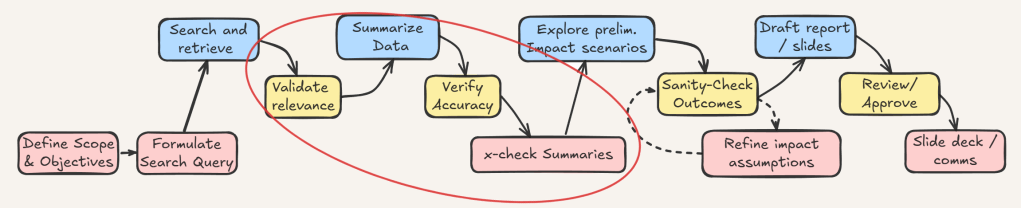
Congratulations, you just saved 1+ hours of searching and scanning…but is it correct? Using multiple tools is a powerful way to cover gaps like this and I evaluate the content using 3 of the trusty financial statement assertions:
- Accuracy
- Existence
- Completeness
1. Cross-Check Sources
Start by reviewing where the AI pulled its information from. Government budget documents and reputable tax advisory firms should take precedence. The sources should be in-line throughout the summary, click through to review them. (Accuracy)
2. Assess Timeliness and Specificity
Given that tax laws and policies evolve all the time, non-current publication dates can render certain insights obsolete. Ensure that the retrieved data pertains to the most recent federal budget and not a prior year’s proposal. For example, any discussion suggesting an increased capital gains rate must clearly have been drawn from an older source. (Accuracy / Relevance)
3. Compare Across Multiple Sources
This is where using multiple tools matters. The summaries should align with each other and key takeaways from the authoritative sources. When multiple sources corroborate an identified tax change, it’s more likely to be accurate and material. Conversely, double check if one AI summary highlights a policy shift that the other misses. (Accuracy, Existence, Completeness).
Old approach: Read all the summaries and take written notes comparing them.
New approach: Have the AI do a self-review. Copy the output from Perplexity into chatGPT (or vice versa) and instruct the AI:
Compare AI-generated summaries against each other and authoritative sources. Confirm alignment on key tax changes—corroboration increases reliability. If one summary highlights a policy shift others do not, verify accuracy, existence, and completeness. Present findings in three sections: (1) Aligned Tax Changes—policies consistently identified across sources, (2) Discrepancies & Missing Elements—policy shifts appearing in some sources but not others, including citations, (3) Verification Needed—uncorroborated claims requiring further validation with authoritative documents. Be complete and comprehensive. First briefly outline step by step how to approach this task, then execute the outline.
💡 Pro Tip: Request a clear format.
If desired, be explicit about not wanting numbered and bulleted lists.
This leverages the AI’s strength in pattern recognition.
4. Refine Search Queries for Gaps
From here you can expand on your summary by requesting more detail. If the summary fails to address a key stakeholder’s impact, then refining the search query may be necessary. Iterative adjustments, such as specifying “impact on resource sector companies”, will improve the precision of the next round of AI-assisted research.
Steps 8-10: Scenario Modeling & Stakeholder Impact Exploration

With validated summaries of the identified tax changes, the next step is exploring preliminary impact scenarios. Here we leverage a true AI strength: brainstorming. This involves envisioning realistic outcomes of the tax changes from multiple stakeholder perspectives.
- Company
- Shareholders
- Employees
Crafting the Scenario Modeling Prompt:
A clear and effective prompt to leverage AI for this step could look like this:
Given the corporate tax changes identified in Canada’s federal budget, briefly model potential impacts on the company’s stakeholders. Include implications for the company’s strategic objectives, operational costs, risks and opportunities, and tax efficiency. Clearly separate scenarios by stakeholder group.
<company context>
[Consider our company’s recent investments in renewable energy projects, [current tax risk mitigation strategies], and ongoing disputes related to [transfer pricing]. ]
</company context>
<stakeholders>
the company, its employees, and its shareholders
</stakeholders>
Identify which proposed budget changes could directly and indirectly impact these areas.💡 Pro Tip: Use open and close tags <> and </>in your AI prompts to structure responses.
Tags act as context markers, guiding AI to categorize and refine its analysis.
Replace text within the [square brackets] with relevant information.
Evaluating Preliminary Scenario Outputs:
Once the AI returns initial scenarios, you will systematically review them for validity and practical relevance. You can apply a lens similar to the financial statement assertions in your review.
- Did the scenarios follow your prompt? (Accuracy)
- Were all stakeholders considered? (Completeness)
- Did scenarios assume facts that weren’t correct or relevant? (Existence)
Review and Sanity Check:
Perform a reality check with the same assertions.
- Are scenarios logically sound and aligned with known policy practices? (Accuracy)
- Cross-reference highlighted changes against authoritative sources (Existence)
- Determine whether all relevant business areas impacted by these tax changes have been considered or if further scenario refinement is required. (Completeness)
This is all part of your shift to a Quality Assurance reviewer, so you will likely discard some scenarios and modify others. The goal of this task is to prime and grease your own thinking, not lazily take the AI’s output verbatim (although sometimes that works too). Enter the “R-MAR” framework:
- Review
- Modify
- Accept
- Reject
Final Steps: Drafting the Communications
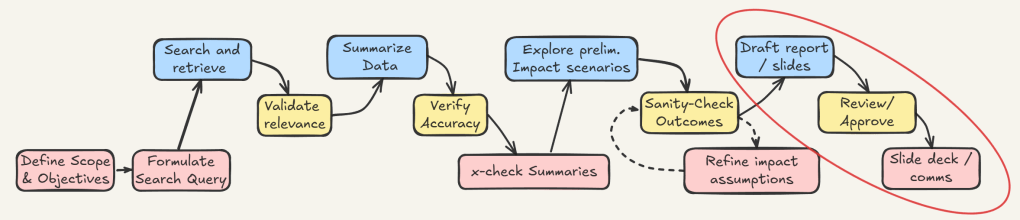
Once again, we’ll apply AI tools at the final stage and continue to shift the balance of preparation to content review.
You have 2 possible workflows:
- Using in-app AI like Copilot in PowerPoint or Gemini in Google Slides
- Using out-of-app AI where copy and pasting ChatGPT / Claude / Perplexity’s outputs is a manual step.
First, tailor the content for your audience. Recall your primary goal is to communicate tax impacts of the budget to the board of directors. Assume you’ve picked out the top 3 impacts for each stakeholder from the scenarios (9 in total).
Summarize the three most relevant tax changes from Canada’s latest federal budget, focusing on their strategic impact. The audience is the board of directors, so the tone must be direct, concise, and results-oriented. Avoid technical jargon—frame the insights in terms of business implications. Use exactly three bullet points, each highlighting a key tax change and its impact on the [Stakeholder].
Context: The following three scenarios have been identified as most relevant:
- [Scenario 1]
- [Scenario 2]
- [Scenario 3]
Limit each bullet to one or two sentences for clarity and executive relevance.
💡 Pro Tip: you can refer to your chosen scenario without copy / pasting the whole thing back in. Simply note what the scenario was about.
Wash, Rinse, Repeat if you choose to now communicate more detailed information for your team or your boss; adjust accordingly.
Please revise so I can communicate these details to my team of experienced tax professionals. You may use technical jargon, be more comprehensive and detailed. Use narrative format with minimal bullets and numbered lists, use headings appropriately.
Preparing the Slides
Preparing strong presentations and slide decks is its own craft, and at the time of this writing (March 2025), I have not found a perfect flow where everything is done in one app, or that avoids significant manual intervention.
In-App AI
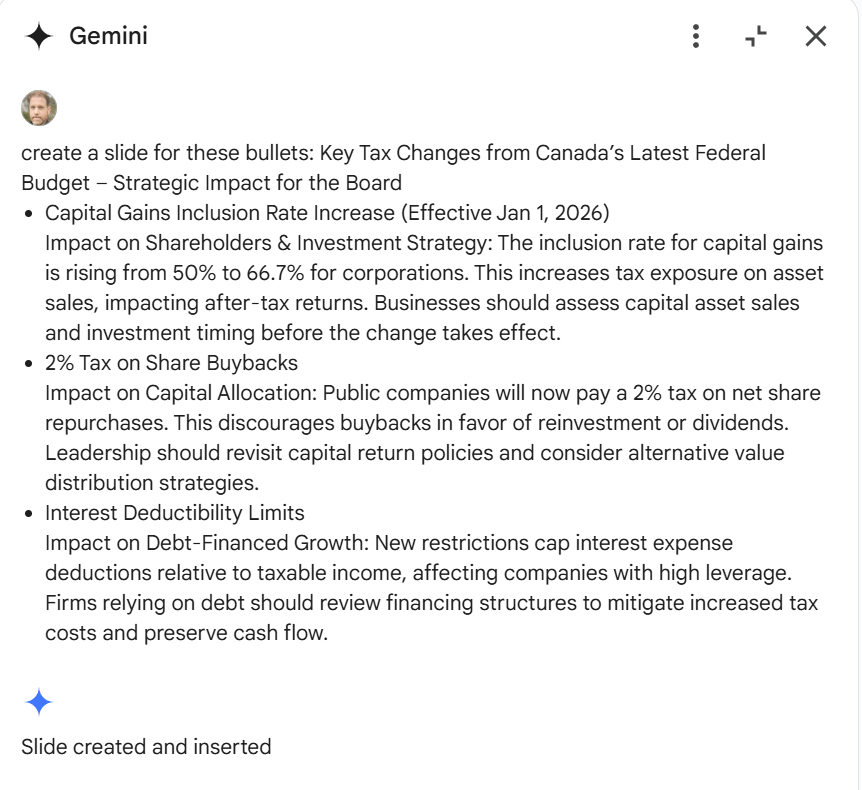
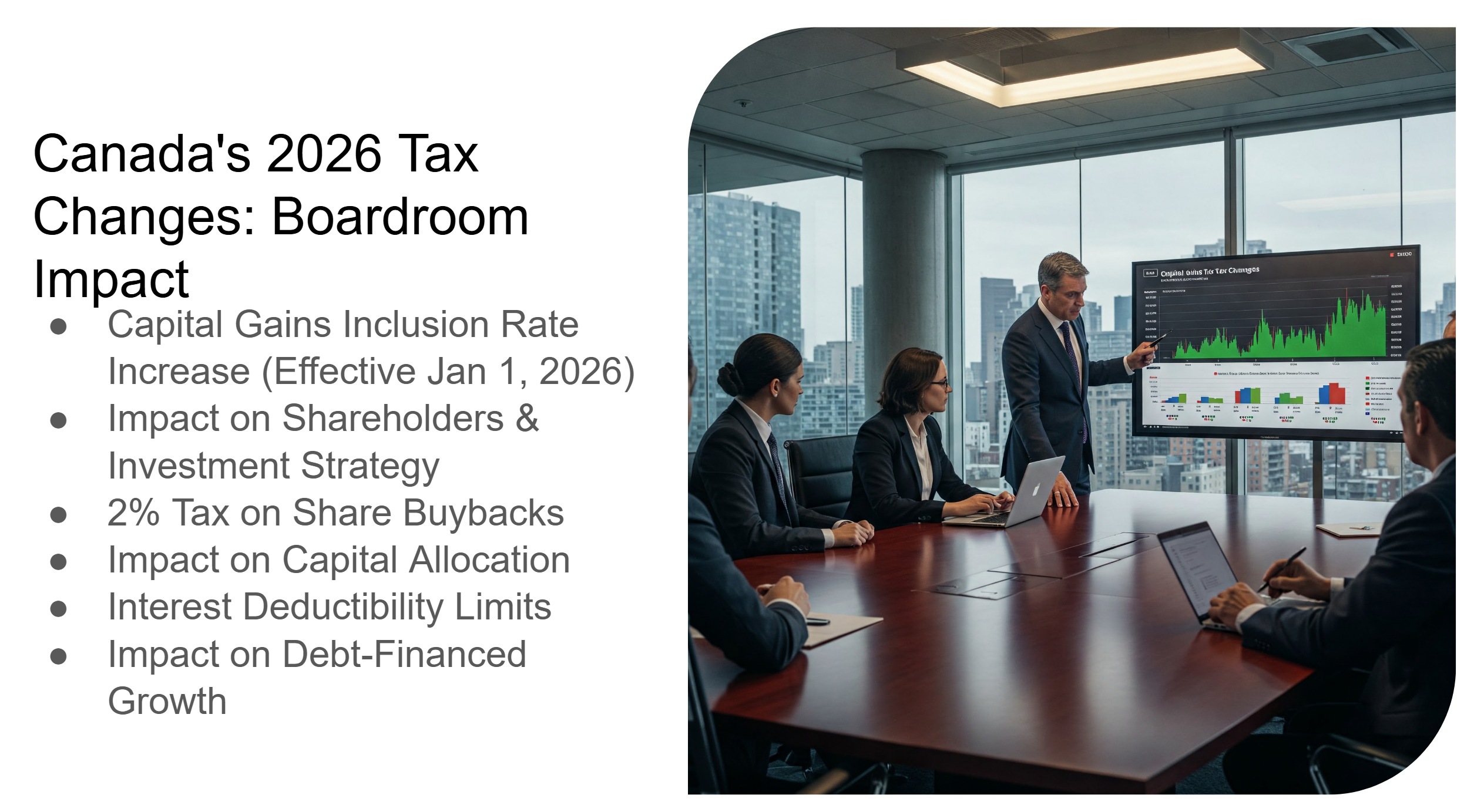
Open your brand-approved deck and copy the bullets into the in-app AI and it’ll generate a slide. Modify accordingly.
If you’re not explicit in your prompt, the AI will reword your bullets or generate an image. You may have to copy / paste over the existing format.
Out-of-app AI
Similar to the above, this involves copy / pasting bullets to your branded deck, but this time, you avoid the AI rewriting your approved message.
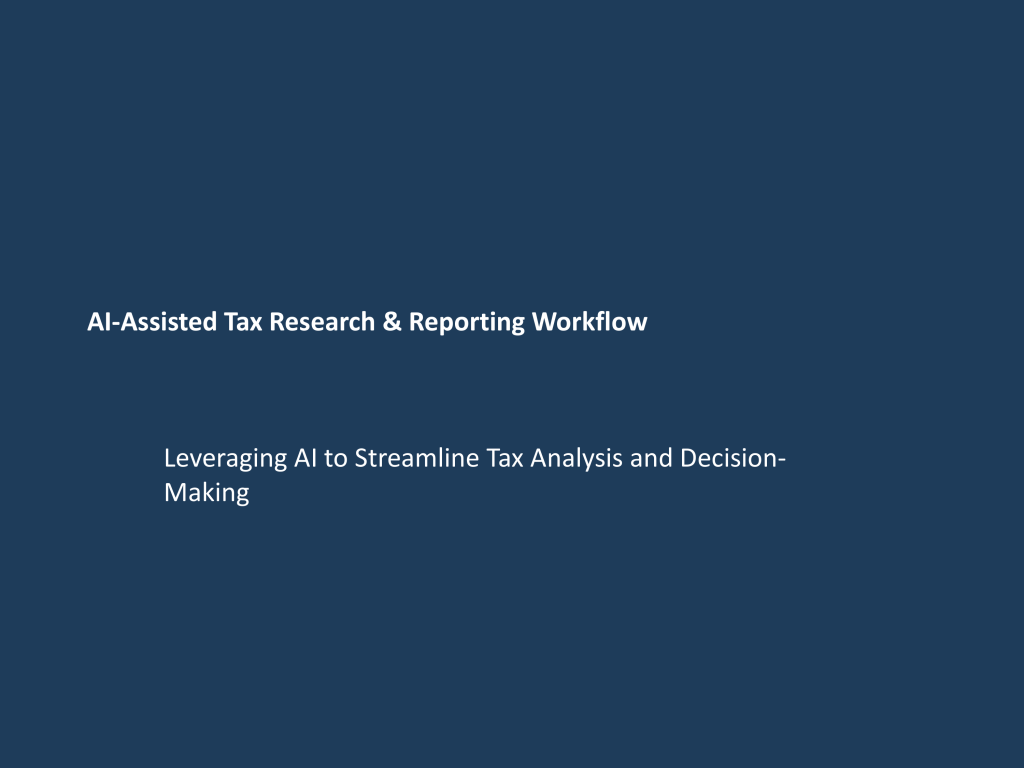
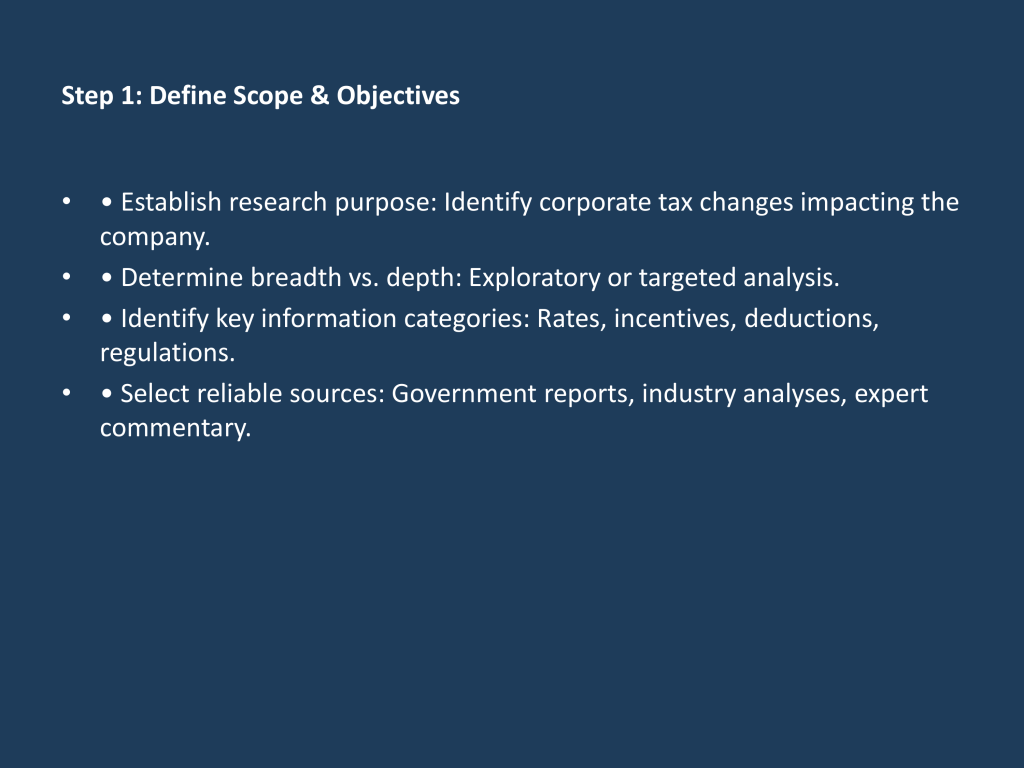
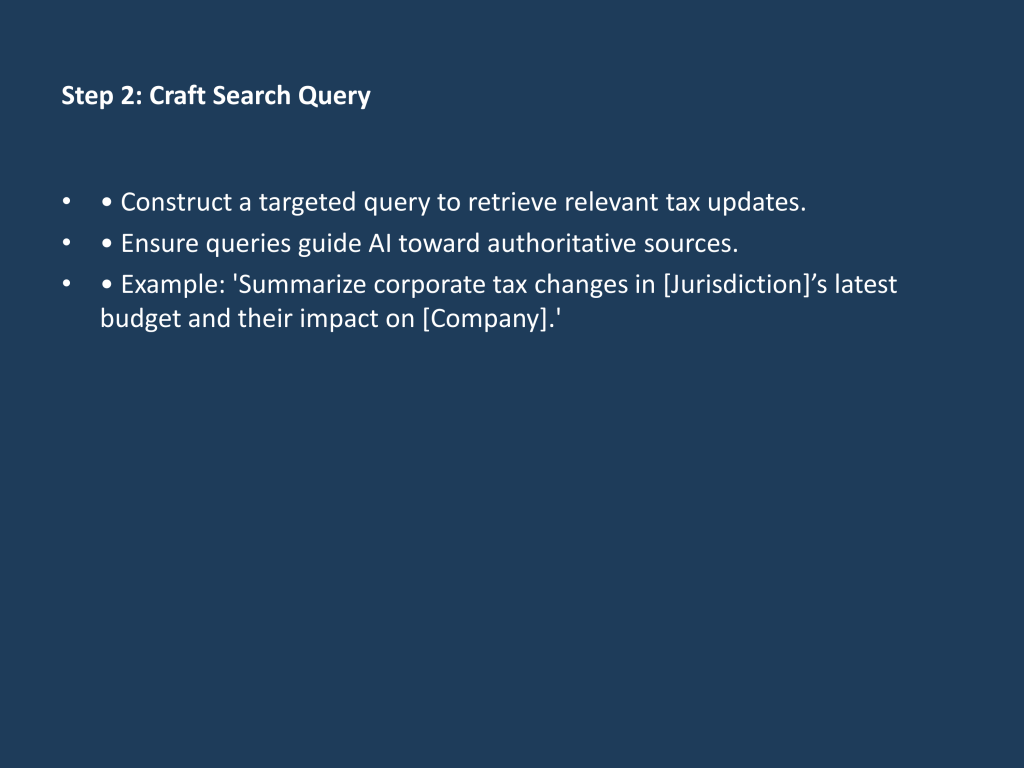
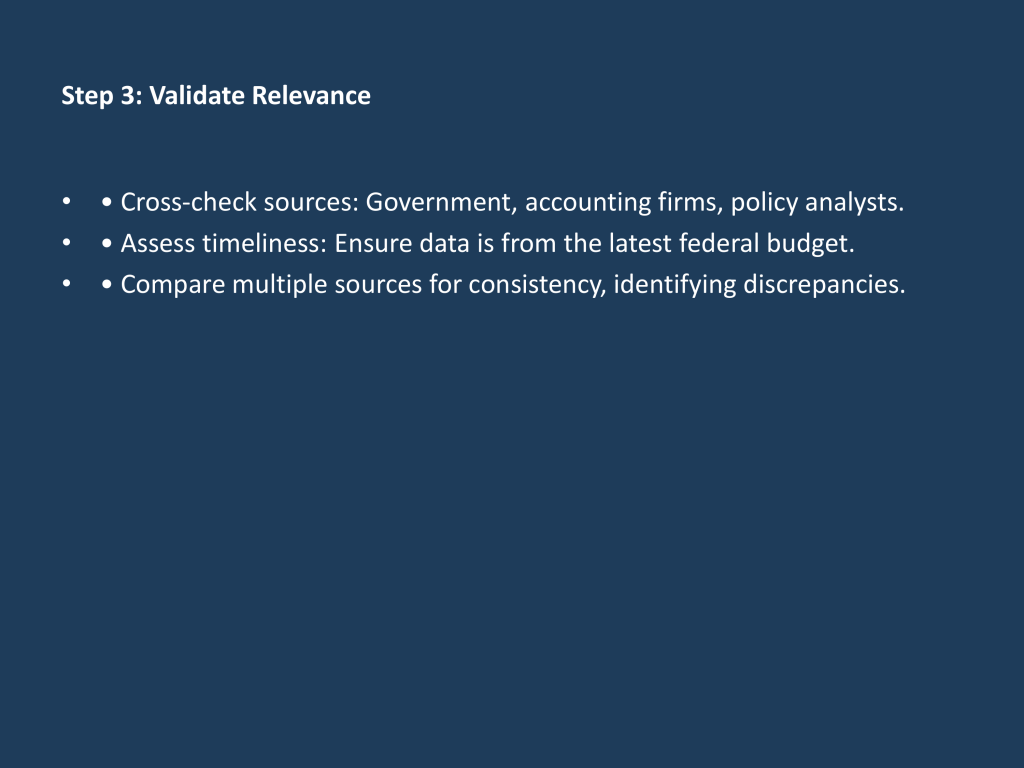
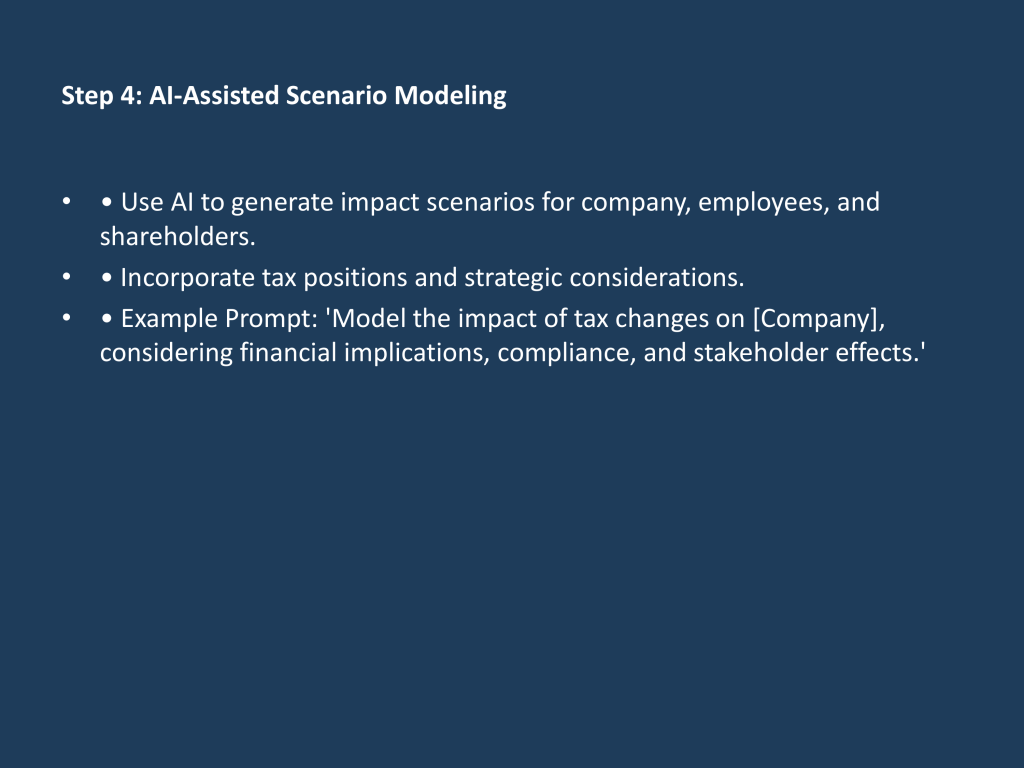
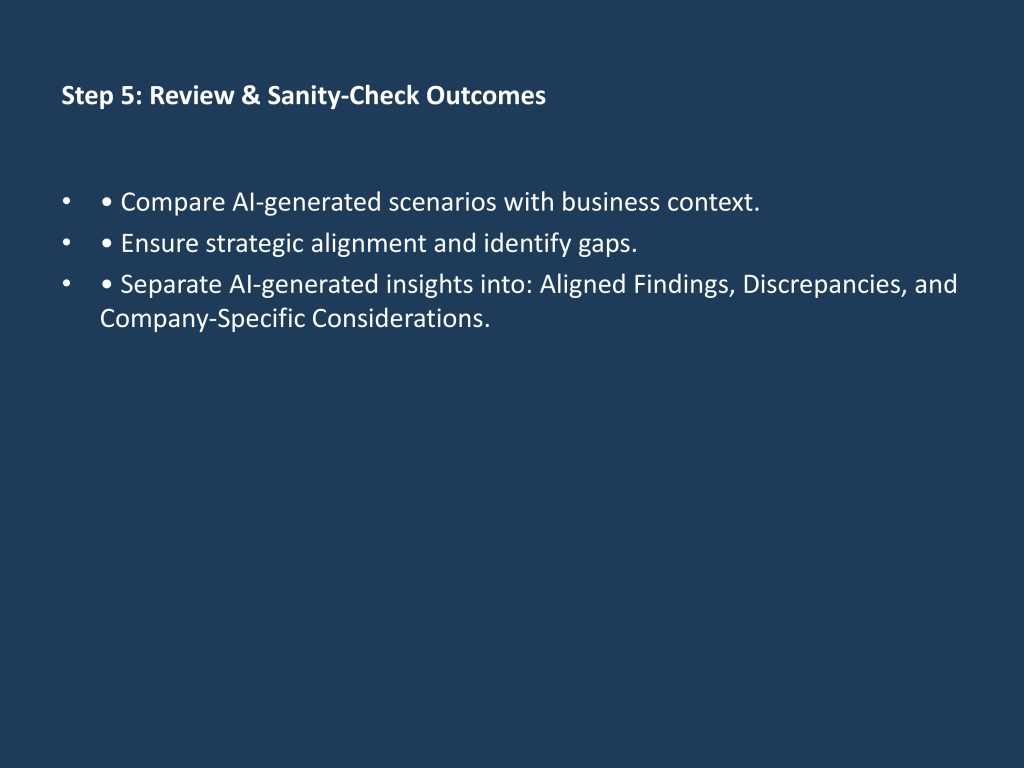
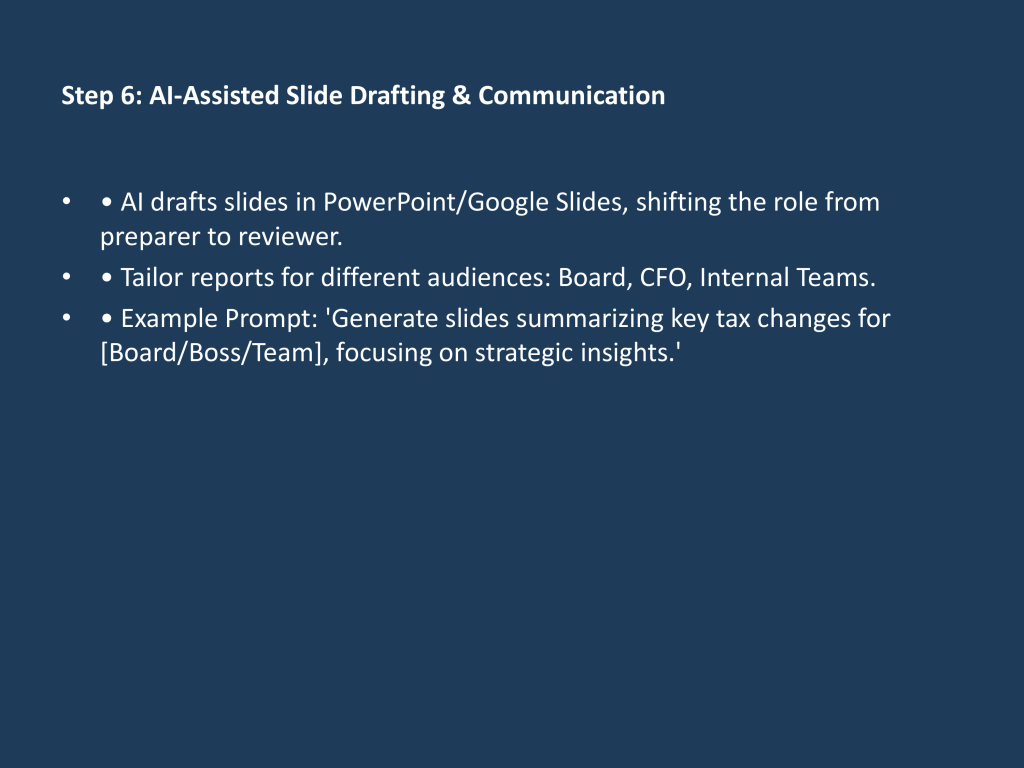
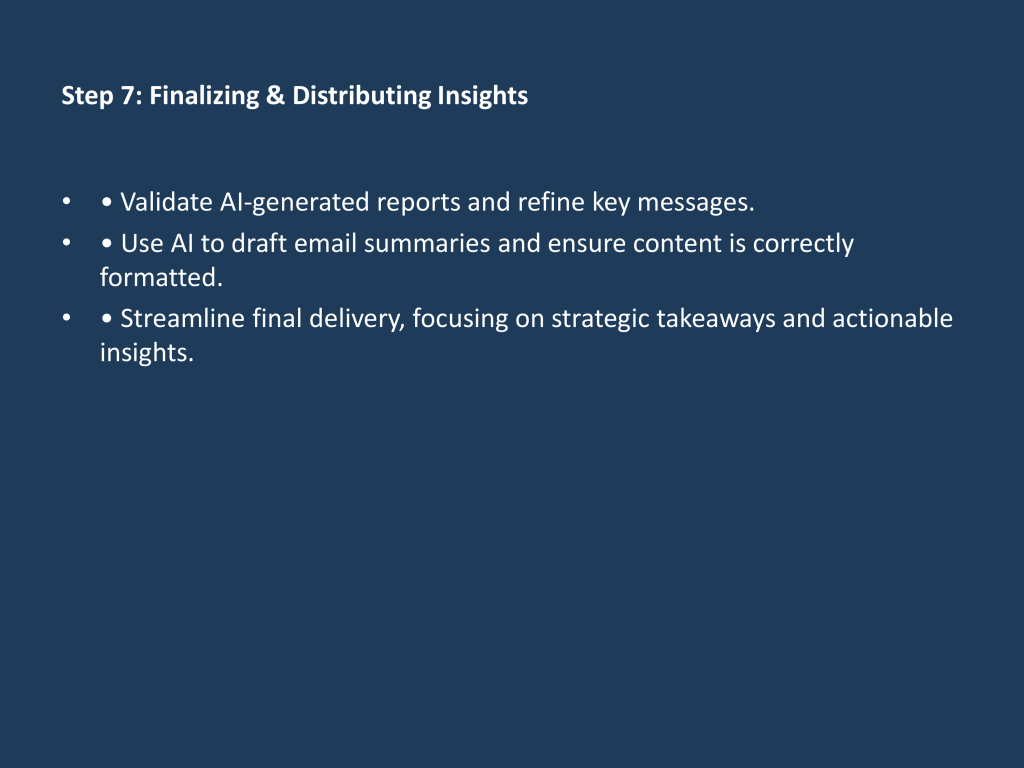
While ChatGPT can create powerpoint slides, you can see below they are pretty vanilla and require branding and touch ups (e.g. removing the multiple bullet points).
A New Workflow for a New Era
Thank you for bearing with me this far! In this post, we’ve explored a structured AI-assisted workflow designed specifically for tax professionals. You learned how to set clear, exploratory scopes, craft effective search queries, validate and cross-check AI-generated insights, model realistic impact scenarios, and transform yourself from a preparer to a strategic reviewer.
Compared to traditional manual methods, you’ve shifted your focus away from tedious data gathering, exhausting analysis, and slide creation toward strategic validation and deeper scenario analysis. Rather than producing a single set of slides, you’ve learned to rapidly tailor messaging for multiple stakeholders, empowering you to communicate more effectively at every level of the organization.
Integrating AI tools into your workflow represents a fundamental process change—one that significantly accelerates certain tasks and powerfully augments others. However, it’s important to acknowledge the learning curve involved. Mastering AI-driven workflows requires practice, experimentation, and ongoing refinement.
Remember, today’s AI is the least capable it will ever be. What feels challenging now will soon become seamless as the technology continuously improves. Embracing this journey positions you not just to adapt but to excel, turning AI from a challenge into your competitive advantage.


One response to “From Manual to AI-Augmented: A Practical Exercise in Tax Research”
[…] wrote a detailed post about this workflow in March 2025, it’s aged but still somewhat relevant; however, the core […]
LikeLike